
Category
Websites
19 articles
How-To
How to fix the AdSense Ads.txt “Earnings at risk” Error
Google requires an ads.txt on each one of your websites that you want to run ads on. Having an Ads.txt (Authorized Digital Sellers) file is an important step to ensure transparency and prevent unauthorized ad inventory sales. By following a few simple steps, you can easily create an Ads.txt file and remove the warning from
Read the guide- wiyre.com
What Is WHOIS And What Is It Used For?
Read moreResources
What Is WHOIS And What Is It Used For?
WHOIS (pronounced “Who is”) is a query and response internet protocol that is widely used for querying databases that store the registered users or assignees of an Internet resource, such as a domain name, an IP address block, or an autonomous system. In more simple terms, WHOIS data is used to identify and track the
Read the guide 
How-To
How to Build a Website From Scratch – For Complete Beginners
Most of us use websites every day. If you’re reading this, you’re using a website right now. Facebook, Google, Yahoo, etc are all websites that started somewhere from scratch by someone who had the same idea as you do: “I want to make a website”. While most of us use websites everyday, there is a
Read the guide
How-To
How To Create A Shopify Store In 30 Minutes Or Less (2023 Guide)
I’ve written extensively on how Shopify is truly one of the easiest ways to sell products online. Because of how easy it is to set up and sell on Shopify, I’ve used them for tons of different products and companies, and have referred Shopify to friends and family for years because they make it so
Read the guide
How-To
What is Ad Blocking Recovery? How to Setup on AdSense
Ad blockers are the bane of a webmaster’s existence. Ads support much of the free content that exists on the web today, and without them, many publishers will be unable to support their websites and continue creating content. That’s why it’s important to enable the Ad Blocking Recovery option with AdSense to display a message
Read the guide
How-To
WordPress Website Slow to Load? 9 Tips to Improve Speed
WordPress remains one of the foremost popular, free, and open-source content management systems in the world, and powers a myriad of different sites from e-commerce businesses to personal blogs. Despite WordPress being very popular for businesses large and small, many WordPress website owners struggle with their site being slow. Ensuring that your WordPress website isn’t slow
Read the guide
How-To
How to Create Website Downtime Alerts using New Relic
Website uptime is important, and every second your site is down means lost visitors and potentially missed revenue. Making sure that you have monitoring in place to check that your site is operating as expected is critical, but you also need to be alerted as soon as something goes wrong. With New Relic, you can
Read the guide![[Guide] How To Add An Email Account From BlueHost In Gmail](/images/posts/how-to-add-an-email-account-from-bluehost-in-gmail-2017-guide/background-gmailbluehost.jpg)
How-To
[Guide] How To Add An Email Account From BlueHost In Gmail
Bluehost lets you create a custom email address with your own domain. Unfortunately, the Bluehost webmail applications aren’t that great, and I much prefer to use Gmail to compose emails and respond to inquires. In this guide, I’ll show you how to connect your Bluehost email to your Gmail account, so you can access both email accounts together, and send and receive emails from your Bluehost account straight from Gmail itself.
Read the guide
How-To
How To Setup A WordPress Instance On DigitalOcean (Step by Step Guide)
DigitalOcean is a cloud computing company that gives you great control over the way your site operates, much more than traditional web hosts. With that said, there are a lot of advanced options included with DigitalOcean that will break your site if you’re not familiar with how it all works, so it’s important to make
Read the guide
How-To
12 Ways To Optimize And Speed Up Your WordPress Website
WordPress can be super quick if you have it configured correctly, but usually what happens is that it gets bogged down over time by inefficiencies – so I wrote this to help you find out what could be slowing your site down, and how to go about fixing it. Little bit of a disclaimer: I have
Read the guide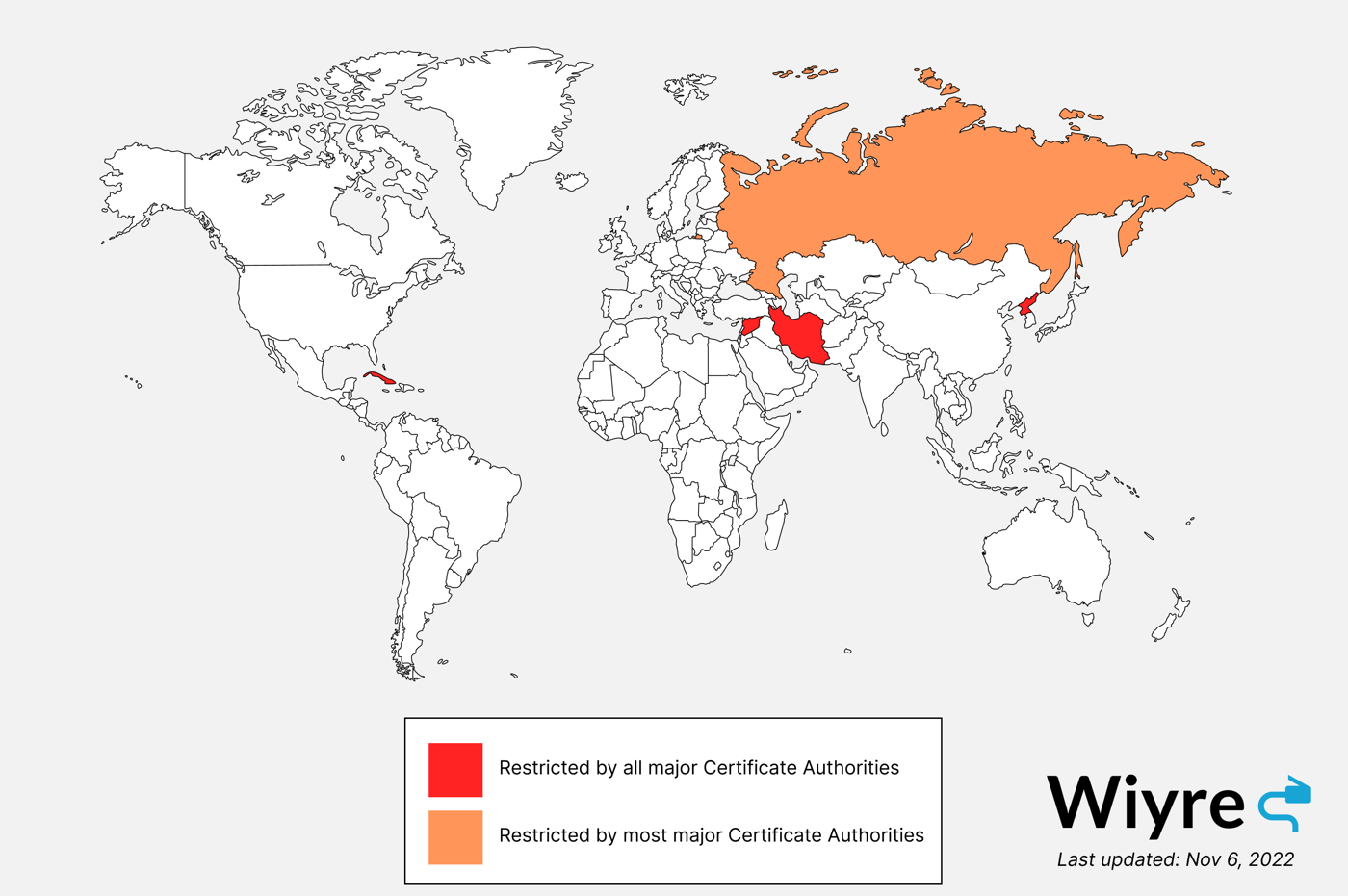
Resources
Countries Banned From Obtaining TLS/SSL Certificates
Certificate Authorities must abide by government-mandated sanctions (commonly referred to as Foreign Sanctions Evaders List (OFAC) sanctions) against governments and regimes. In abiding to sanctions, TLS/SSL certificates cannot be issued to countries that are restricted. The following table provides a list of certificate providers, and the list of banned or embargoes countries which cannot be
Read the guide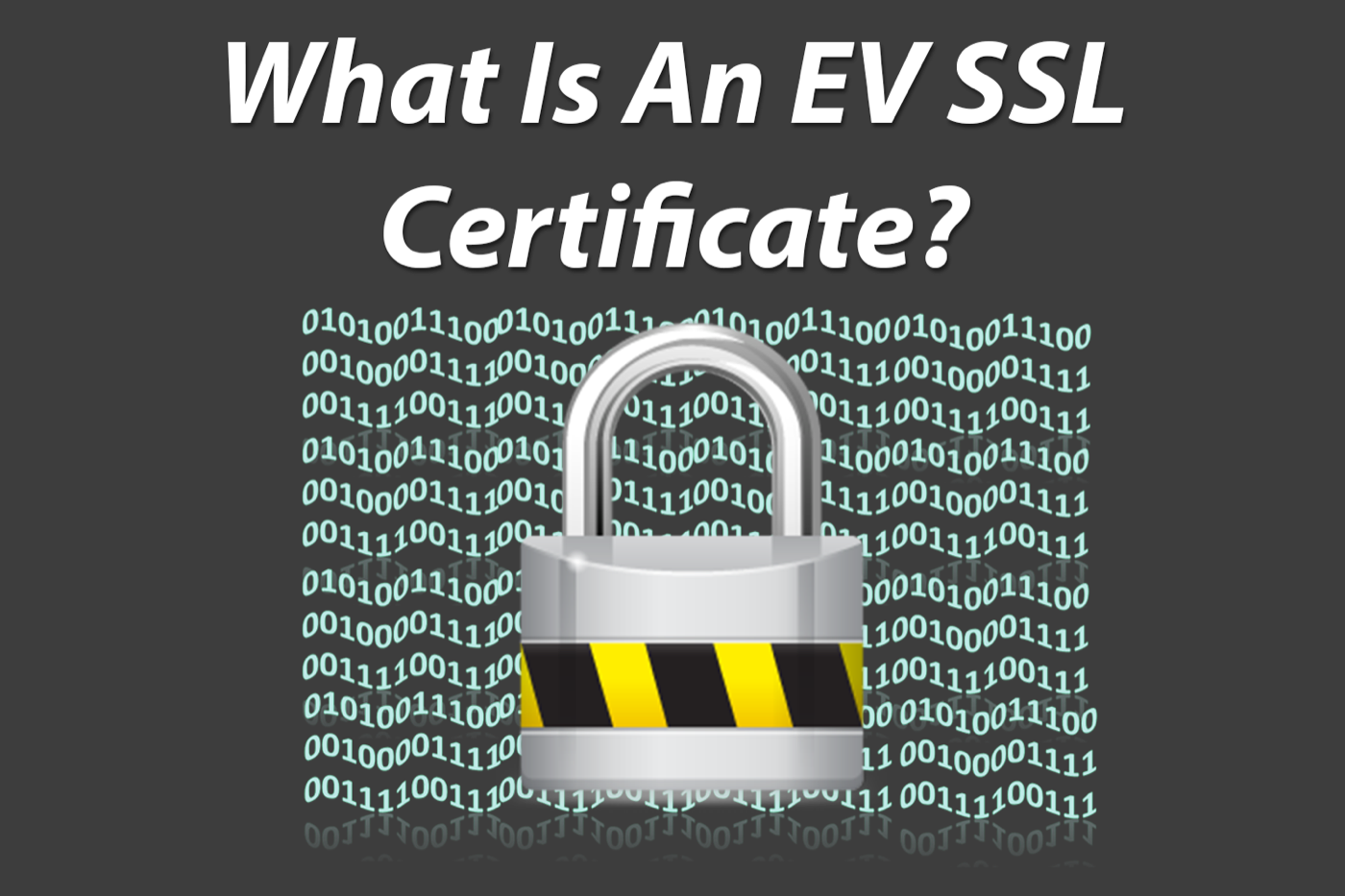
How-To
What Is An EV (Green Bar) SSL Certificate?
There are a few different SSL certificates available out there to apply to your website(s) to increase security and ensure your users that you’re legit. The highest (best) SSL certificate currently available is the Extended Validation (EV) SSL Certificate, commonly referred to by webmasters as the “Green Bar” cert. It looks like this and you’ll probably
Read the guide
How-To
[Guide] How To Disable Ad-Blockers For Webmasters
If you’re like me and run sites that make money primarily through Google AdSense or similar advertising platforms, it can be very frustrating that a portion of the users visiting the site circumvent the ads with ad blockers. As ad blocker adoption continues to grow year after year, it’s important to look into alternative solutions
Read the guide- wiyre.com
Mistakes To Avoid When Choosing A Domain Name
Read moreHow-To
Mistakes To Avoid When Choosing A Domain Name
If you’re about to go and create a website, you’ll need a domain name. The domain name is the address to your site and business, it should be easy to remember, preferably end in .com, and should relate somewhat to your business, brand, or the niche you will be covering. You should avoid: Long domain
Read the guide 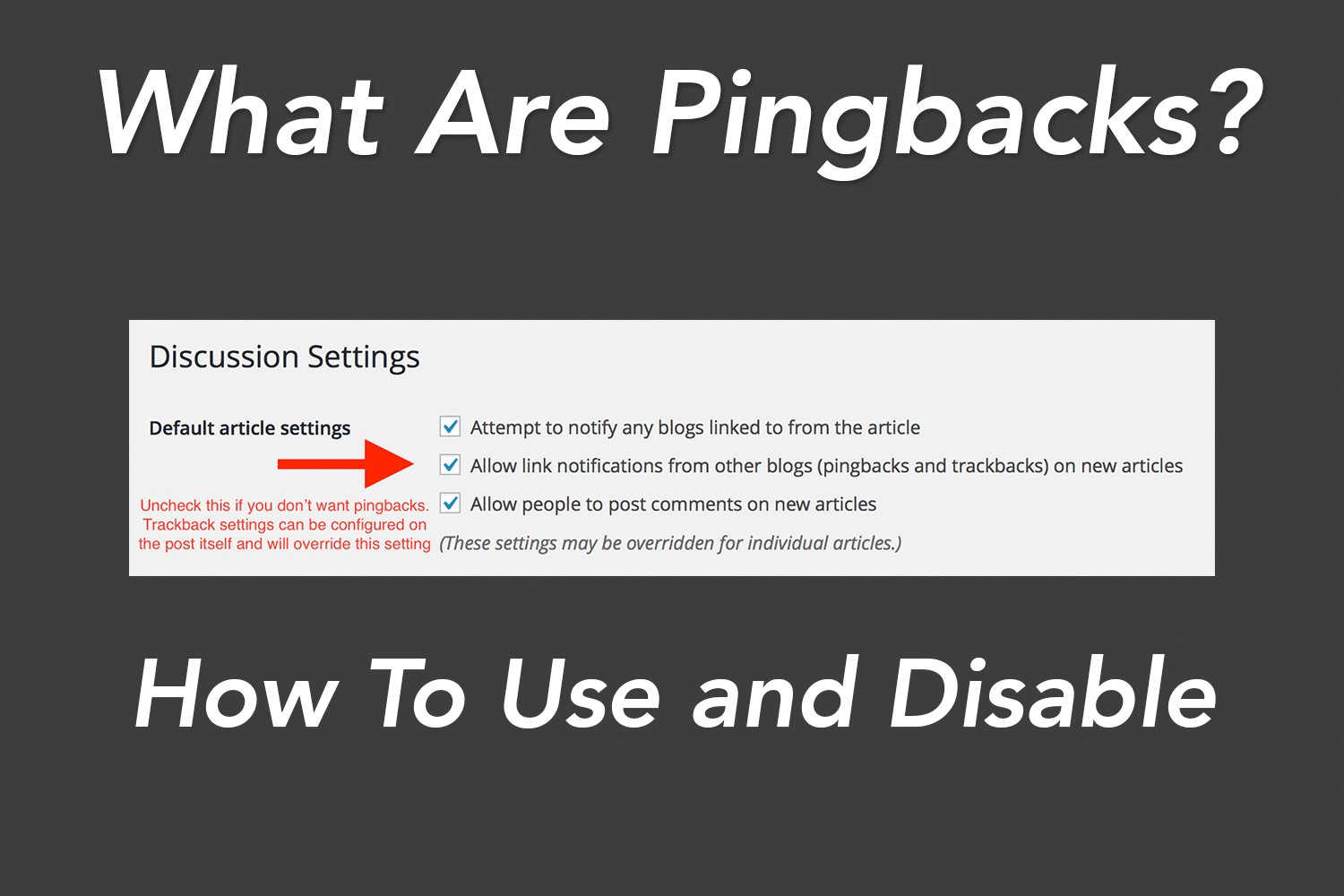
How-To
What are WordPress Pingbacks? How do you disable Pingbacks?
Occasionally you will receive a notification or even an email that informs you that a post on your blog has a “pingback” from another website. I’ve had a lot of these in the past and noticed pretty quickly that 90% of the ping backs I was getting ended up to be spam, but it’s not
Read the guide
How-To
How to publish your blog posts to social media automatically
So once you’ve created content on your WordPress blog, it can be a bit time consuming to go to each social media website and copy and paste the link over and over again to promote your content. If you’re looking for an easy way to publish your posts automatically to Google Plus, Facebook, Twitter, and
Read the guide
How-To
How to use SpyFu.com for niche site keyword research
SpyFu is an awesome tool which will show you some great details about a particular set of keywords. I use SpyFu when picking a niche website topic, or when I am trying to figure out what types of competition I will face if I create a website about a specific topic. SpyFu does have a
Read the guide
How-To
How to choose the right theme for your WordPress website
When you first setup your WordPress blog, the standard WordPress theme will be installed and active for you automatically, but the beauty of WordPress is the ease at which you can customize the site to your style and liking. There are so many WordPress themes out there. You can choose a responsive theme so that it
Read the guide
How-To
How to choose the right color scheme for a website
Choosing a color scheme can be a difficult part in the design process of your website. Everything from the background to the text color and sidebar colors can be difficult to decide on especially if you don’t have a few matching colors in mind. Luckily, there are many ways to solve this problem, and a few
Read the guide