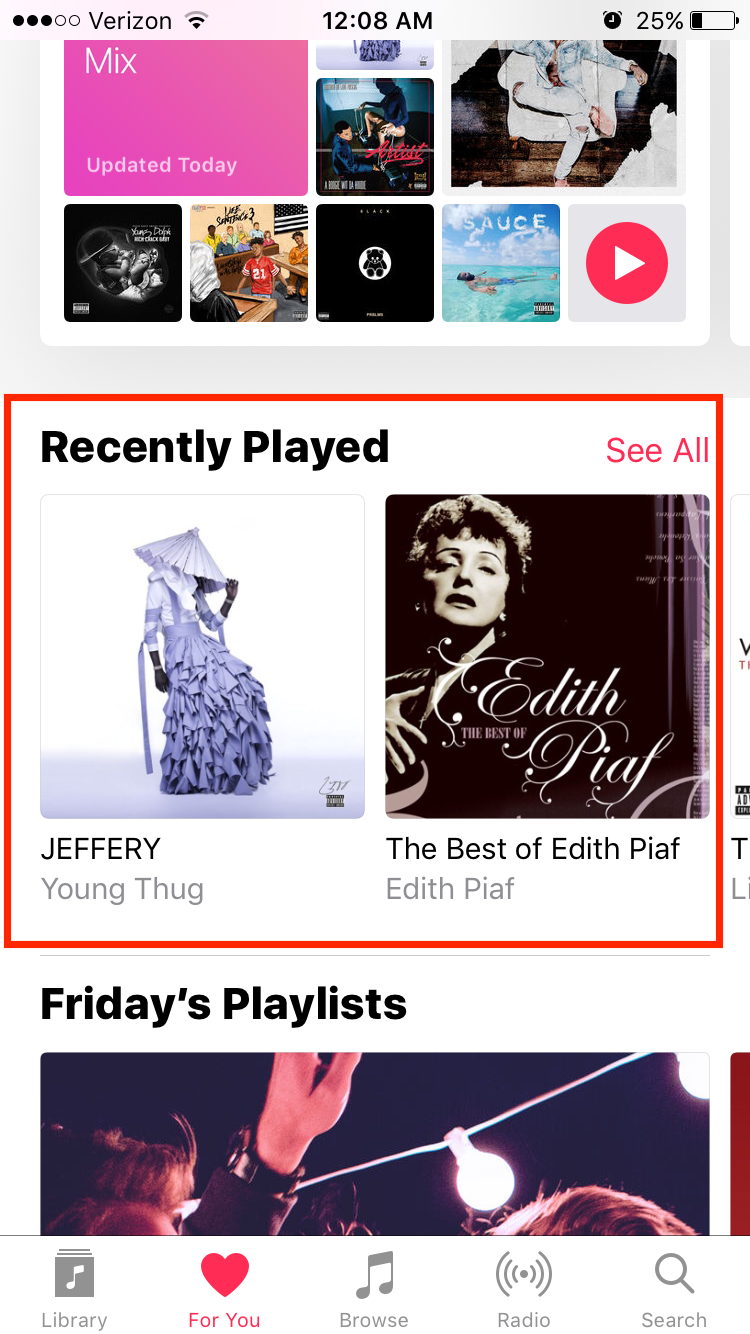
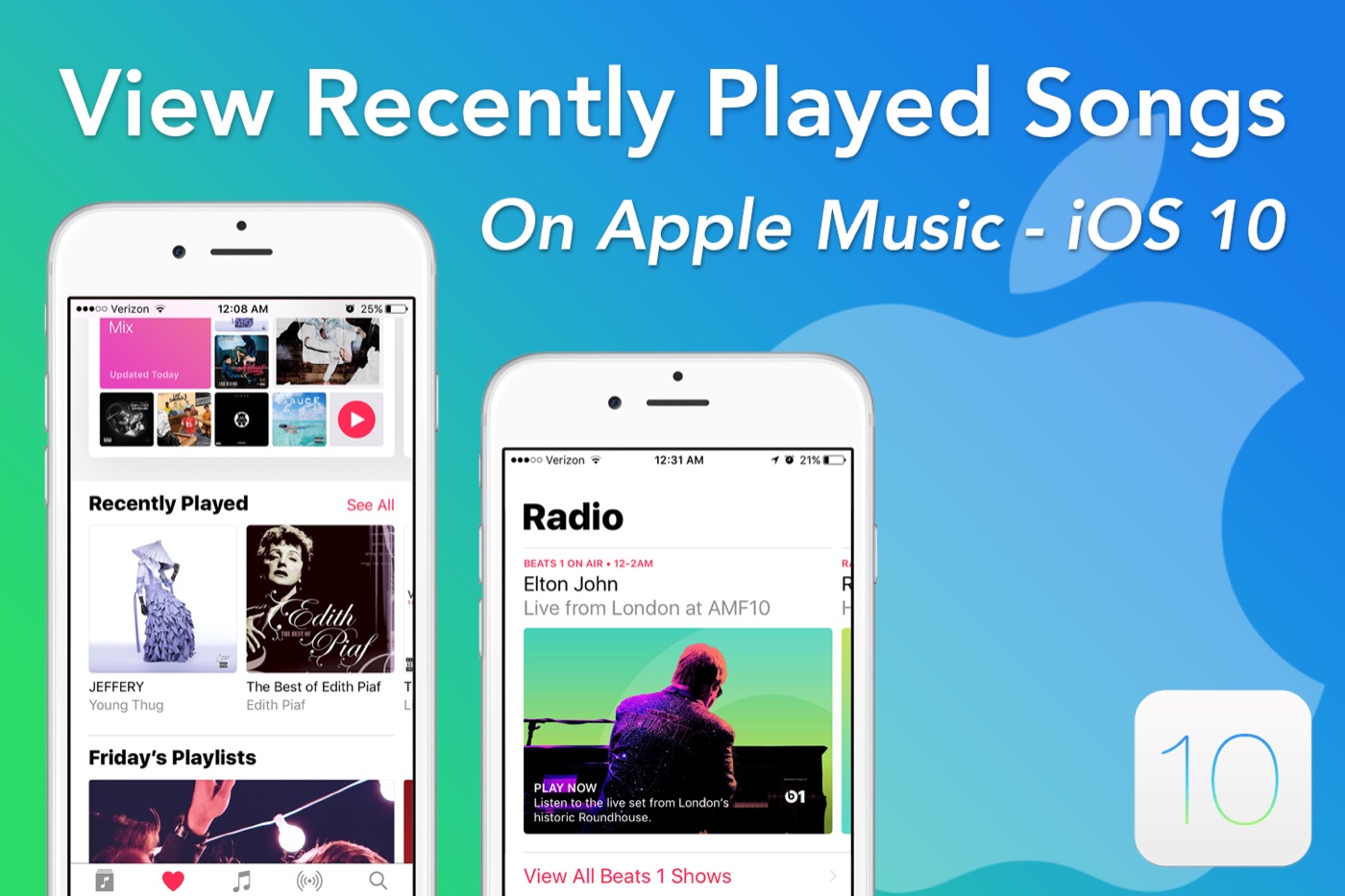
With the launch of iOS 10 comes a redesigned Apple Music app – and with that, the location of many features such as the recently played songs list has been moved to place that you probably aren’t familiar with in iOS 10. There is some good and bad news with this update. For one – if you’re trying to find individual songs that you listened to inside of a playlist, you’ll have to look through the entire album to find the song you want. Additionally, if you’ve heard a song you like on Beats 1 or another similar radio station, you won’t be able to see that song unless you “liked” it or put it in a playlist. As you can imagine, this was generally determined to be a bad move and made a bunch of users pretty upset. If you’re looking to view your recently played songs and albums, you can do so by following the instructions below.
How to view your recently played songs:
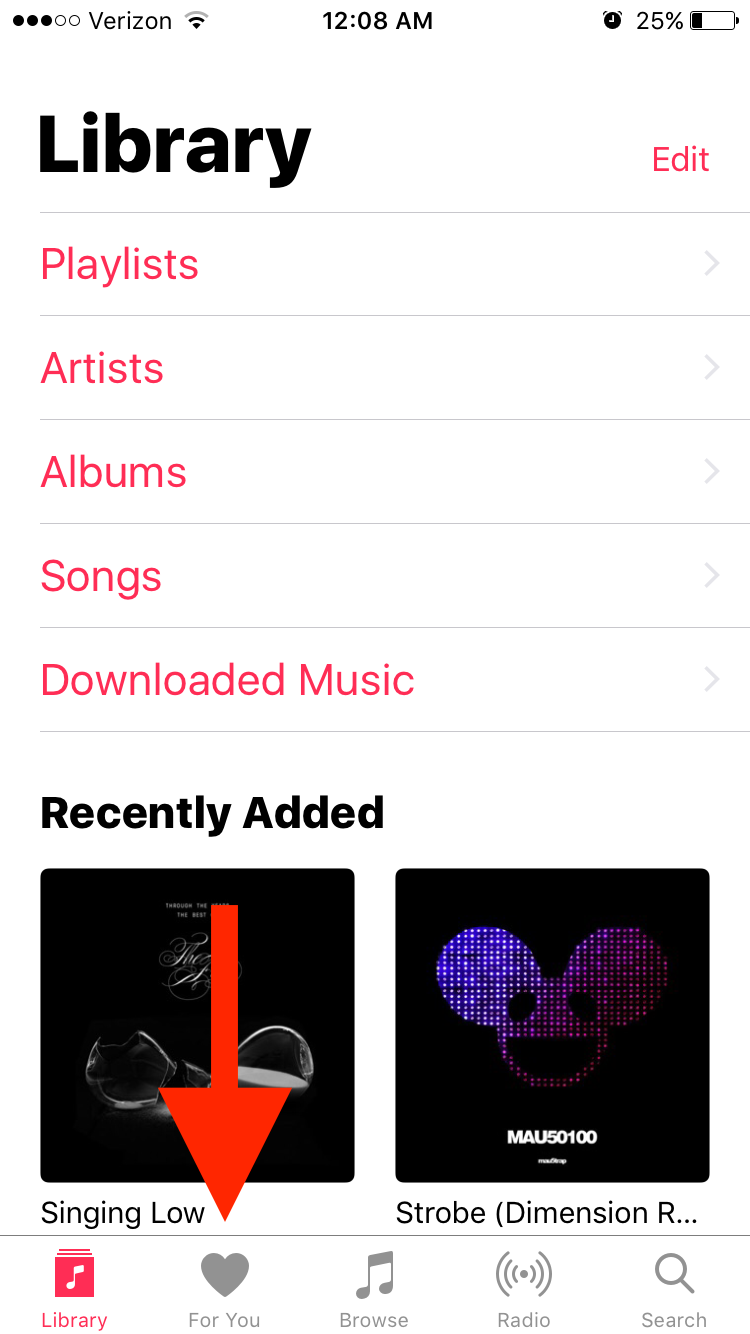
1: Open up the Apple Music app and tap on “For You” at the bottom of the screen.